Category: Workshops
-
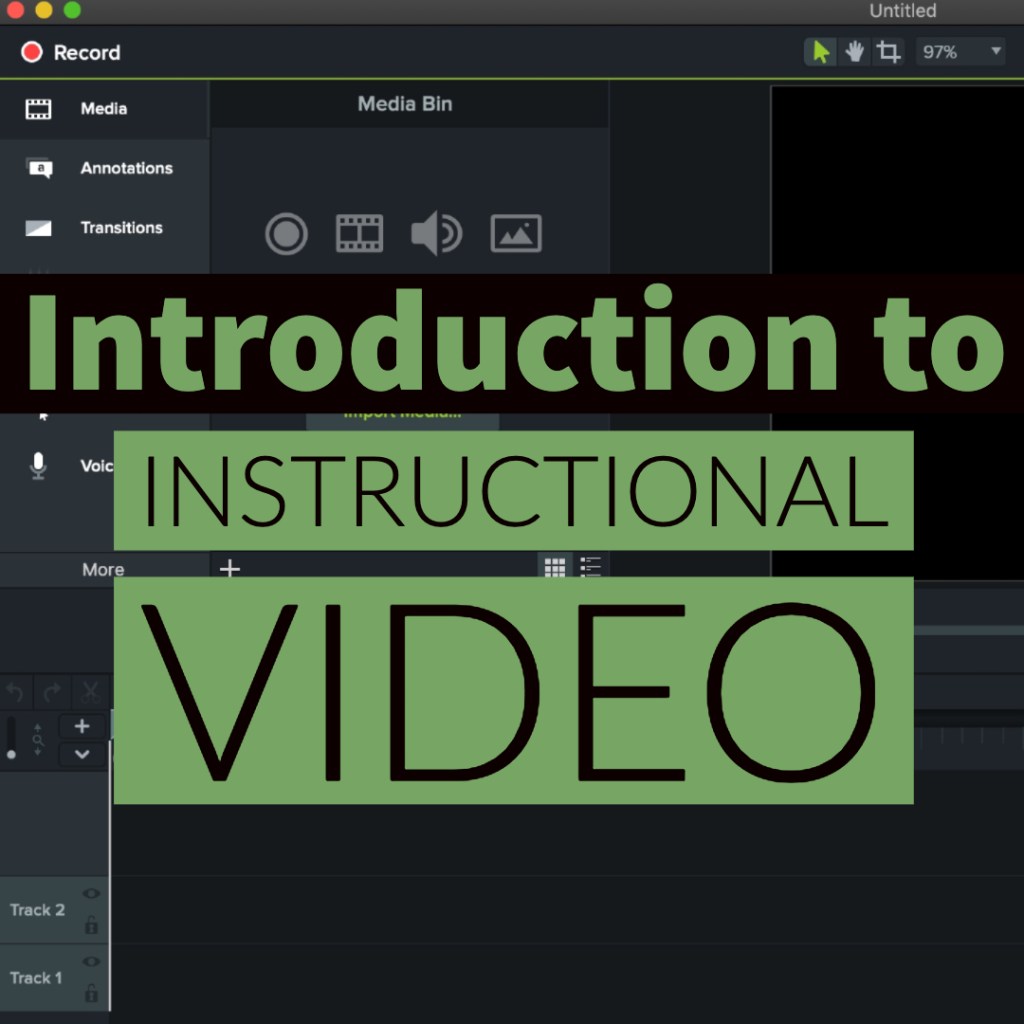
Introduction to Instructional Video
Title: Introduction to Instructional Video Client: Internal ProjectMade with: In person workshop, iPhones were used to record, and Camtasia was used to edit the videos.Time in Development: 8 hours (the workshop was a 4-hour ILT)Collaborators: Solo-Project Background:A one day workshop was needed for high school students and teachers to learn how to create instructional videos,…
-

Finding Free Media (aka. Modeling Copyright Compliance)
Audience: K12 teachers Format: live in person 2-hours A workshop covering copyright, fair use, and options for instructional media and student/teacher presentations. The workshop introduces creative commons, sharing how it can be used in instructional media and student/teacher presentations, and an introduction to the common creative commons media search engines and other free resources. Learning…
-
Developing a Personal Learning Network Workshop
Audience: K12 teachers Format: live in person 2-hours An introduction to social media for teachers outlining the ways Twitter, Pinterest, Facebook groups, and LinkedIn can be used to develop a personalized professional learning network. Learning Objectives: 1. Setup a comprehensive and professional social media presence. 2. Identify educational influencers and sources of information. 3. Demonstrate…
-

Blogging for Teachers Workshop
Audience: K12 teachers Format: live in person 4-hours An introductory workshop on how to set up a wordpress.com blog for teachers. The course covers the setup and configuration of a blog, the identification of appropriate blogging topics, leveraging a blog for professional development, and how to use a blog to foster school to home communication.…
-

Google Apps for Education Workshop
Audience: K12 teachers Format: live in person 2-hours An introduction to Google Apps as collaborative writing and presentation tools including how to use it to foster collaboration between teachers, between students, and between students and teachers. Learning Objectives: 1. Set Up their Google accounts 2. Demonstrate an ability effectively use the Google office suite 3.…
-

Classroom Use of Web 2.0 Tools Workshop
Audience: K12 teachers Format: live in person 2-hours An exploratory workshop outlining and describing web 2.0 tools as they fit within the context of Bloom’s taxonomy. This workshop identifies tools that can be used for the different levels of Bloom’s and discusses how the instructional goals should be the driver for tool selection. SAMR model…
-
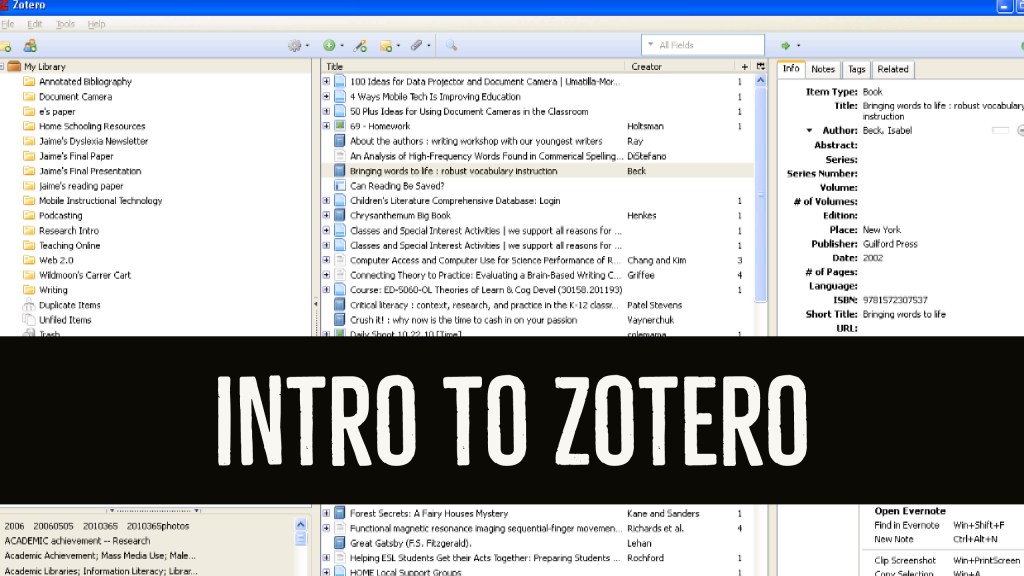
Intro to Zotero Workshop
Audience: K12 & higher education faculty Format: live in person 4-hours An introductory workshop on the setup and basic use of the Zotero citation manager. A longer session covers the synchronization, sharing, and other advanced Zotero features. Learning Objectives: Install and configure Zotero Sign up for a free account Set up synchronization Overview of tool…
-

Intro to Online Reference Databases Workshop
Audience: K12 teachers Format: live in person 1-hour An introductory workshop on finding relevant peer-reviewed journals on ERIC and EBSCO Host. The workshop covers navigation and use of the tools as well as the setting up of automatic notifications for search results. Learning Objectives: 1. Logging in, database options, and search techniques. 2. Setting up…
-
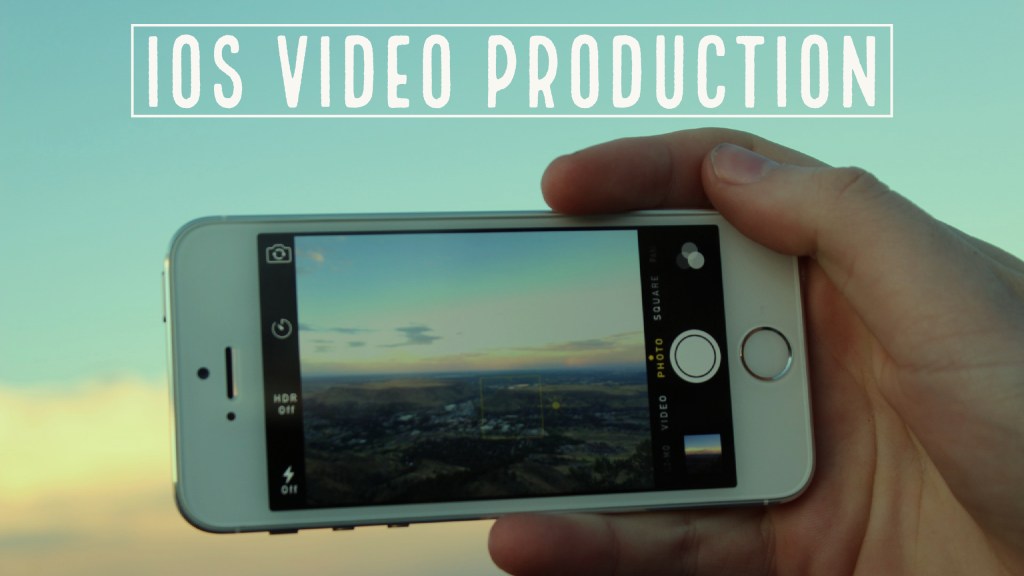
iOS Video Production Workshop
Audience: K12 teachers Format: live in person 4-hours An introductory workshop on recording and editing video using iMovie for the iPad. This course covers how video production can be integrated into a variety of learning activities with students at various levels of complexity. From idea generation, through scripting/storyboarding, through video production, and video editing. Learning…
 Christopher Bergeron